Flower structure
Students identify the main parts of a flower (stamen, pistil, calyx, corolla) and recognize them in a diagram or image.
Modern educational application for Windows 10 and 11
This methodology is part of a broader approach to teaching botany. If you are looking for a general guide, we also recommend:
👉 How to Teach Plant Identification Effectively
This teaching guide demonstrates how the Botanika – Green Nature application can be used to deliver a clear and engaging lesson focused on the structure, function, and diversity of plant flowers. The lesson combines explanation, visual materials, practice questions, interactive activities, and final assessment within one environment.
Students identify the main parts of a flower (stamen, pistil, calyx, corolla) and recognize them in a diagram or image.
Students explain terms such as stigma, style, ovary, anther, and pollen grain and understand their functions.
Students distinguish between radial and bilateral symmetry and understand how flower shape and colour relate to pollination.
The application is used on an interactive whiteboard or projector, and the teacher leads explanation and activities.
Students work individually or in pairs on their own devices.
It is recommended to begin with a teacher-led explanation on the board, introduce the structure of the flower and key concepts, and then move to individual student work using questions, word searches, crosswords, or the test.
The teacher introduces the lesson topic and connects it with students’ prior knowledge about plants. The discussion focuses on the role of flowers in reproduction.
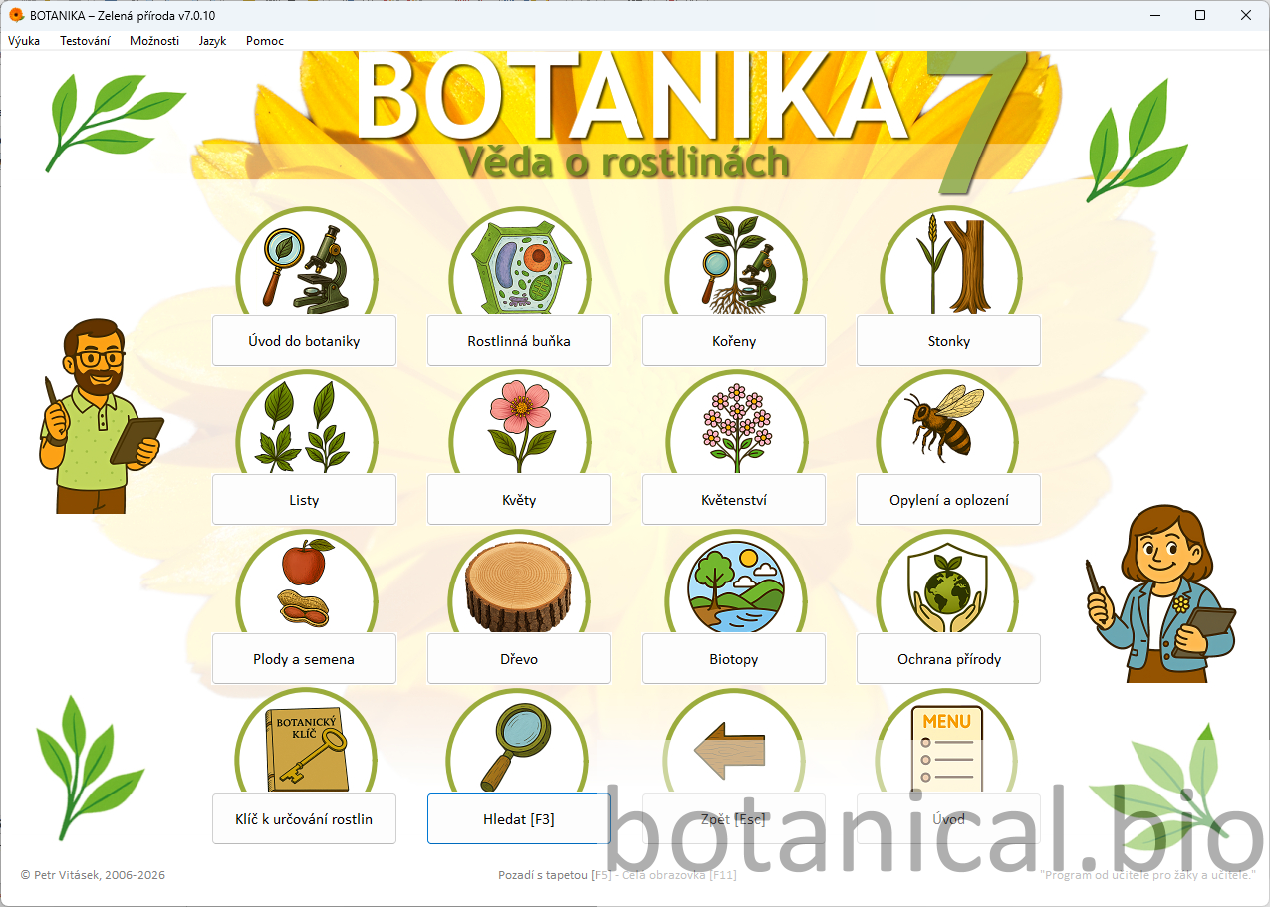
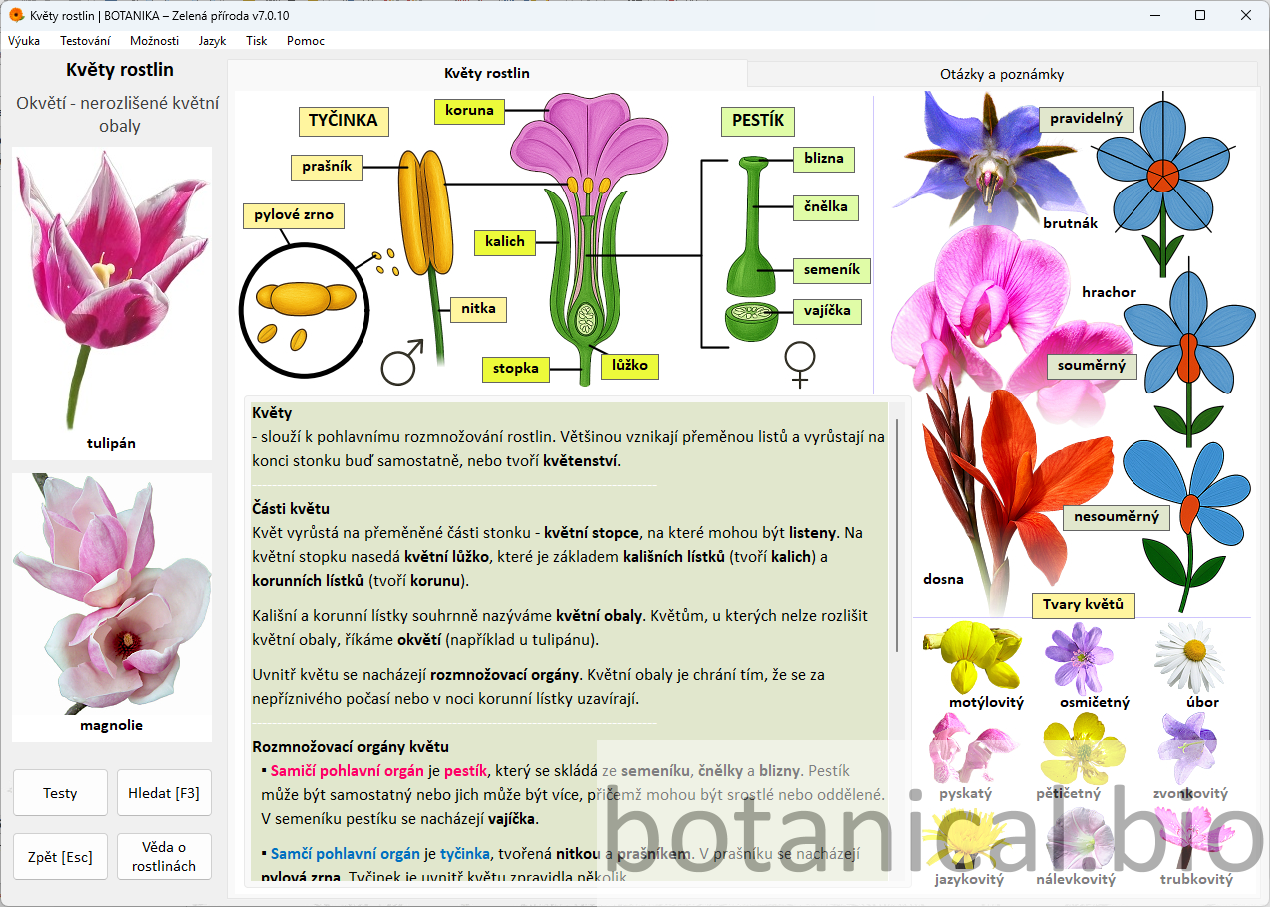
The teacher explains individual parts of a flower and their functions using a clear diagram.
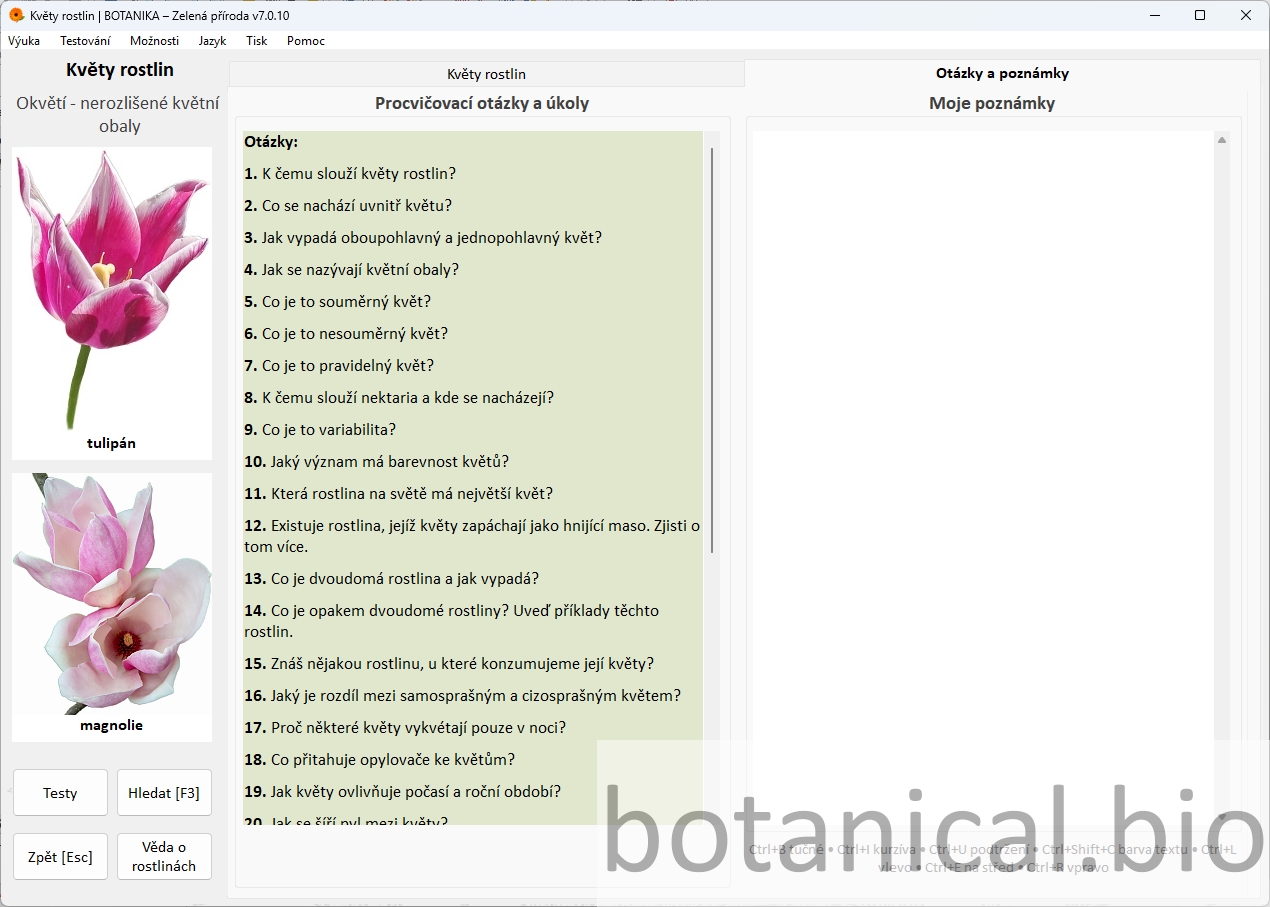
Students reinforce key concepts through guided questions.
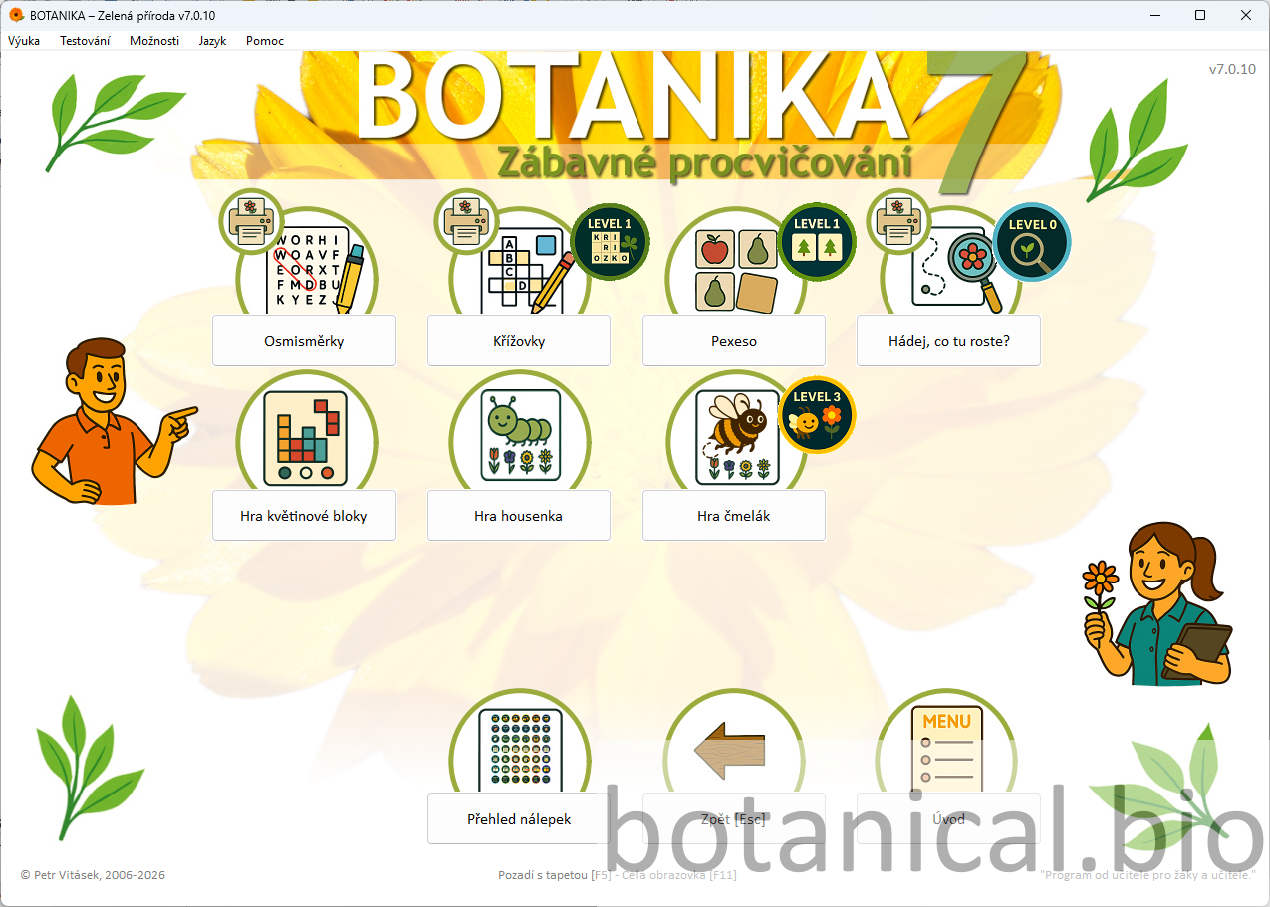
Students reinforce terminology through interactive activities. The teacher can generate new tasks repeatedly to ensure variability and prevent mechanical memorisation.
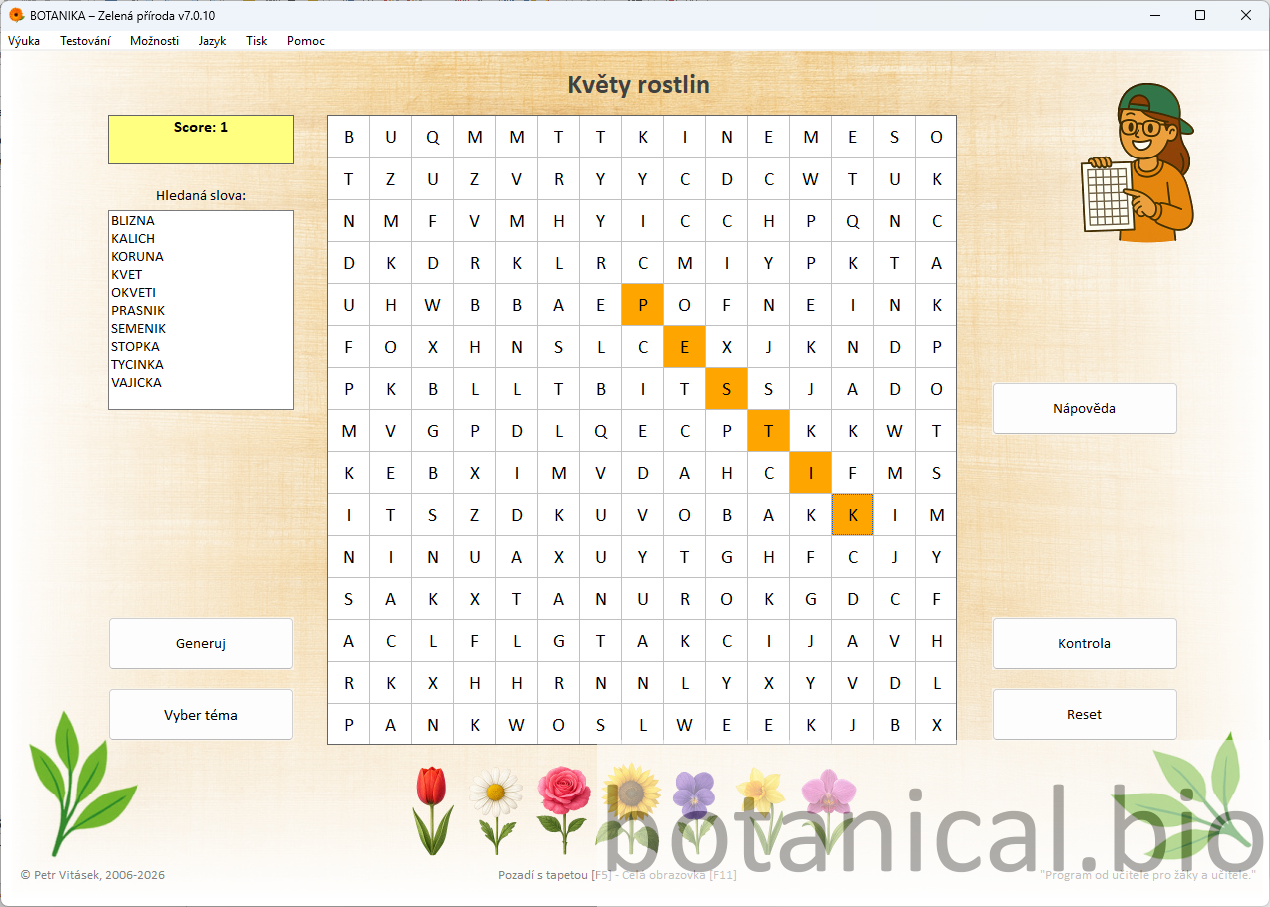
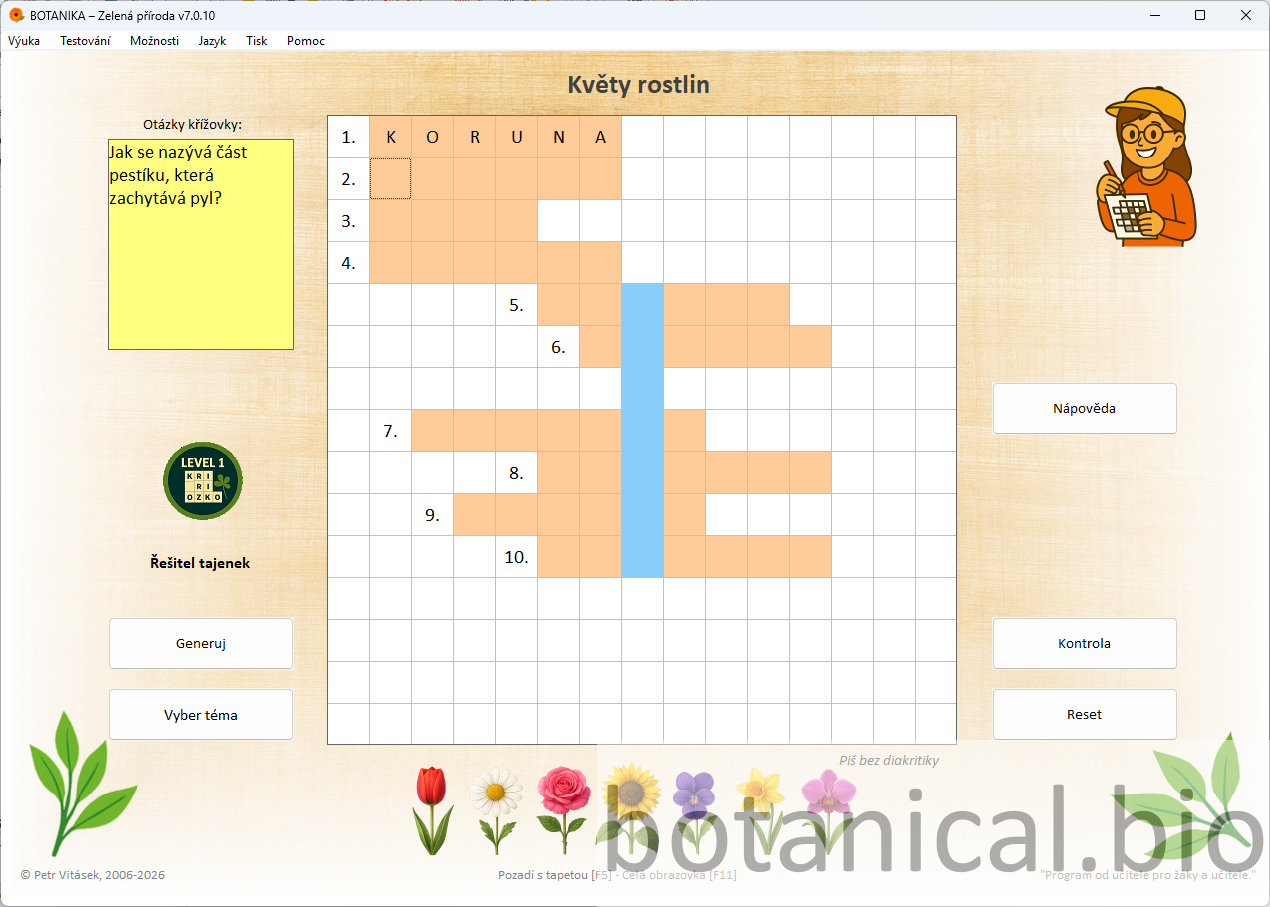
Students connect their understanding of terminology with visual recognition and identify parts of a flower in context.
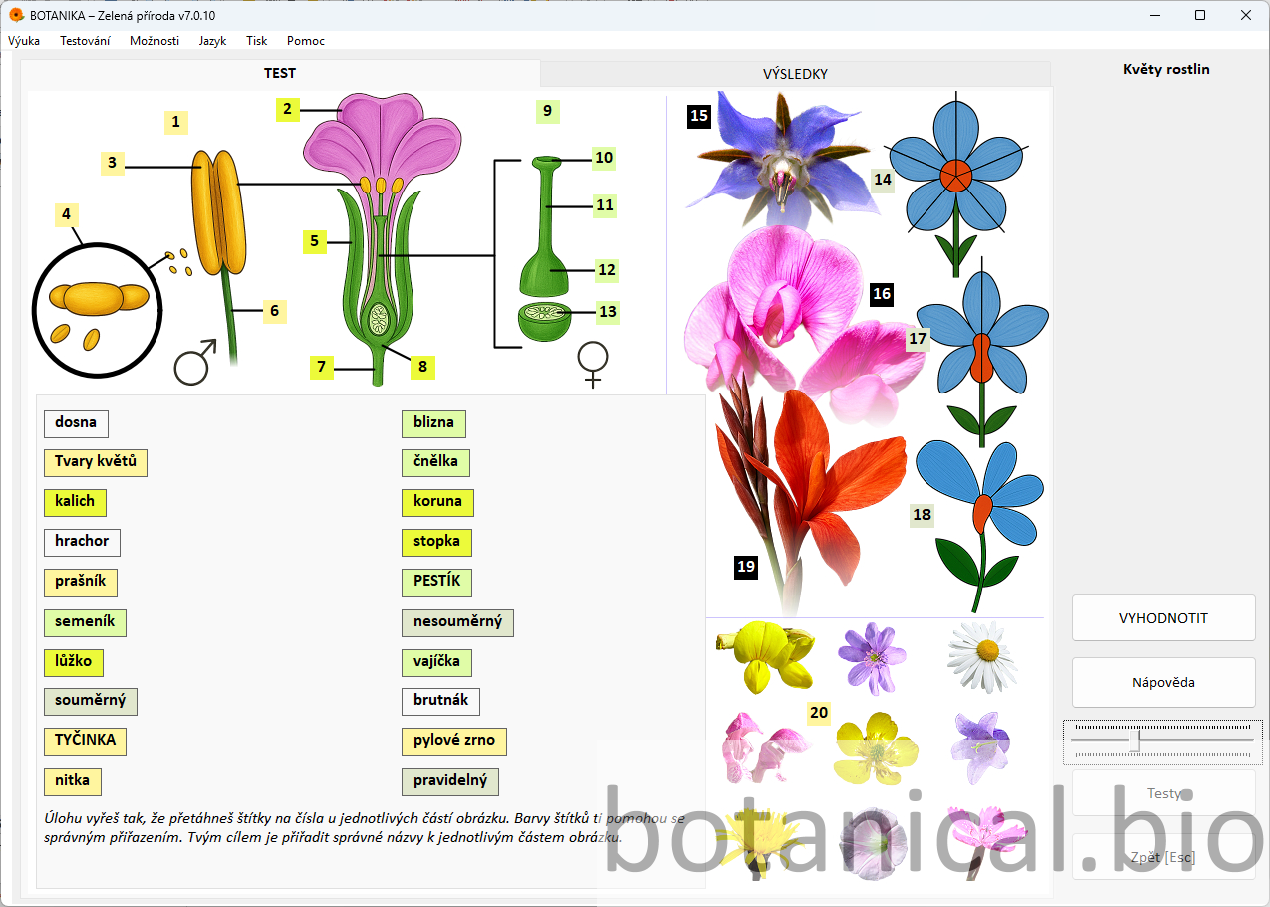
Summary of the lesson and reflection. The topic can be further developed in the next lesson, for example by focusing on pollination or fruit formation.
Alternate between explanation, questions, and activities.
Use real flowers whenever possible.
Word searches and crosswords can be generated repeatedly.
Faster learners can search for answers to selected questions or tasks online. Encourage them to compare information from multiple sources and formulate answers in their own words.
Students can use artificial intelligence to explain selected terms (e.g. stamen, pistil, pollination). They should then reformulate the explanation in their own words, as if teaching a younger student.
If available, use a magnifying glass or microscope to observe real flowers (e.g. tulip, lily, rapeseed). Students identify parts of the flower and compare them with the diagram in the Botanika application.
Theory, questions, interactive activities, and testing are integrated in a single environment.
Visual content and interactive elements encourage active student participation throughout the lesson.
The methodology supports both whole-class teaching and independent student work.
The Botanika – Green Nature application makes it easy to clearly explain the structure of a flower, actively engage students with key concepts, and connect explanation, practice, and assessment without complex preparation.